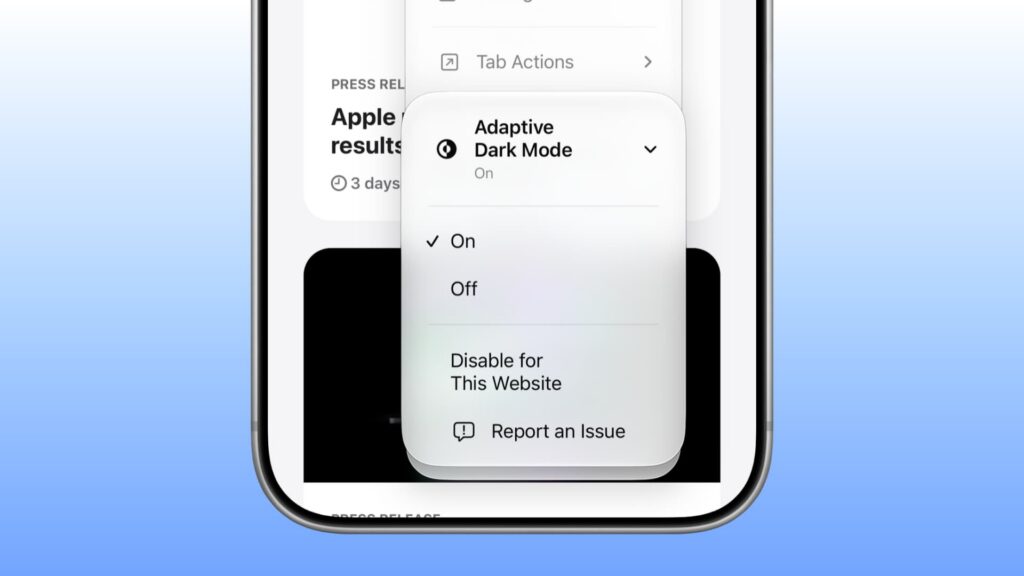
As reported on November 6, 2026, Safari’s new Adaptive Dark Mode lets users apply a dark appearance to websites that do not support it themselves. The feature was available in the beta versions of iOS 27.3, iPadOS 27.3 and macOS 27.3 Golden Gate; a general release was expected in the following weeks.
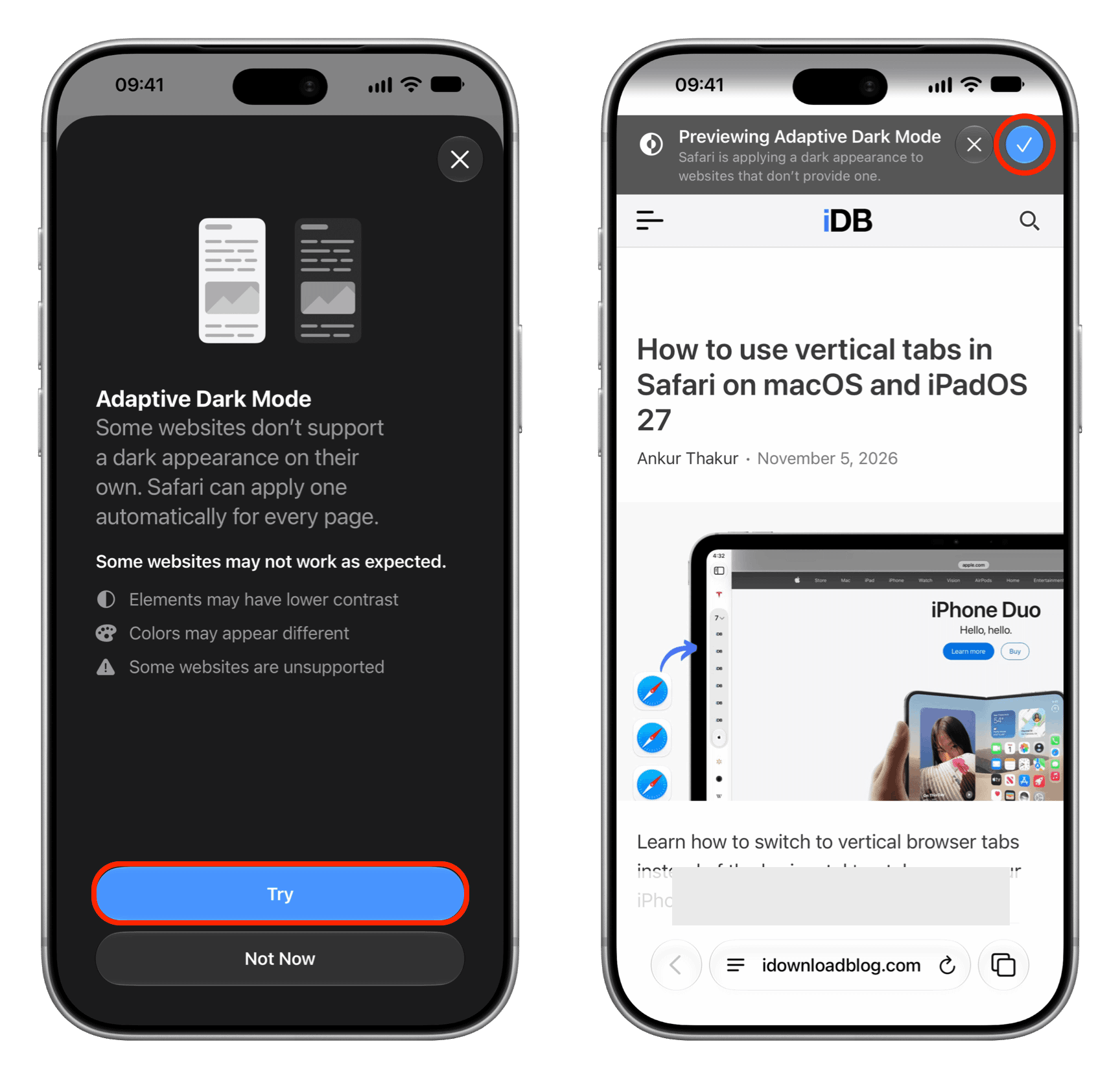
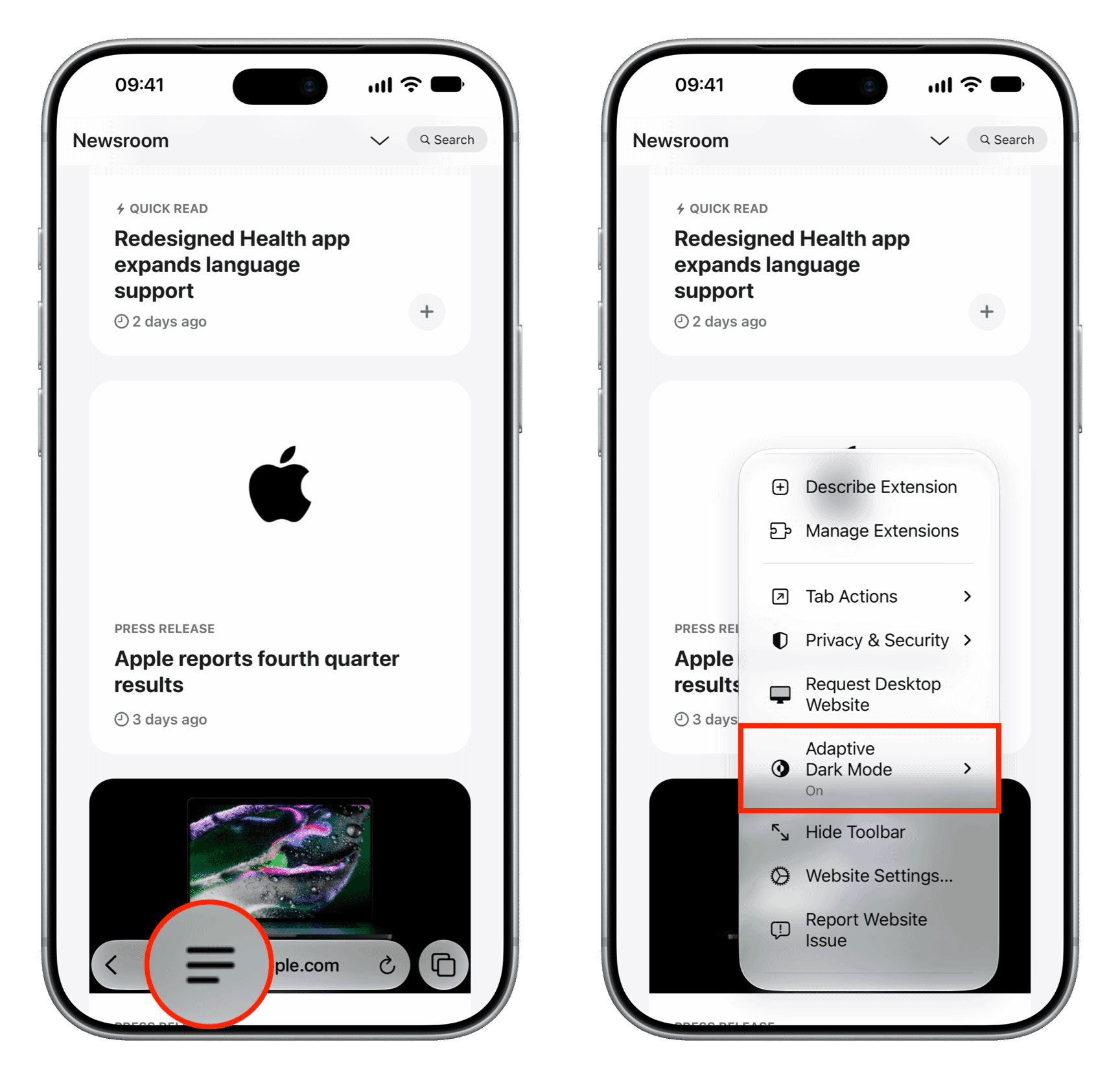
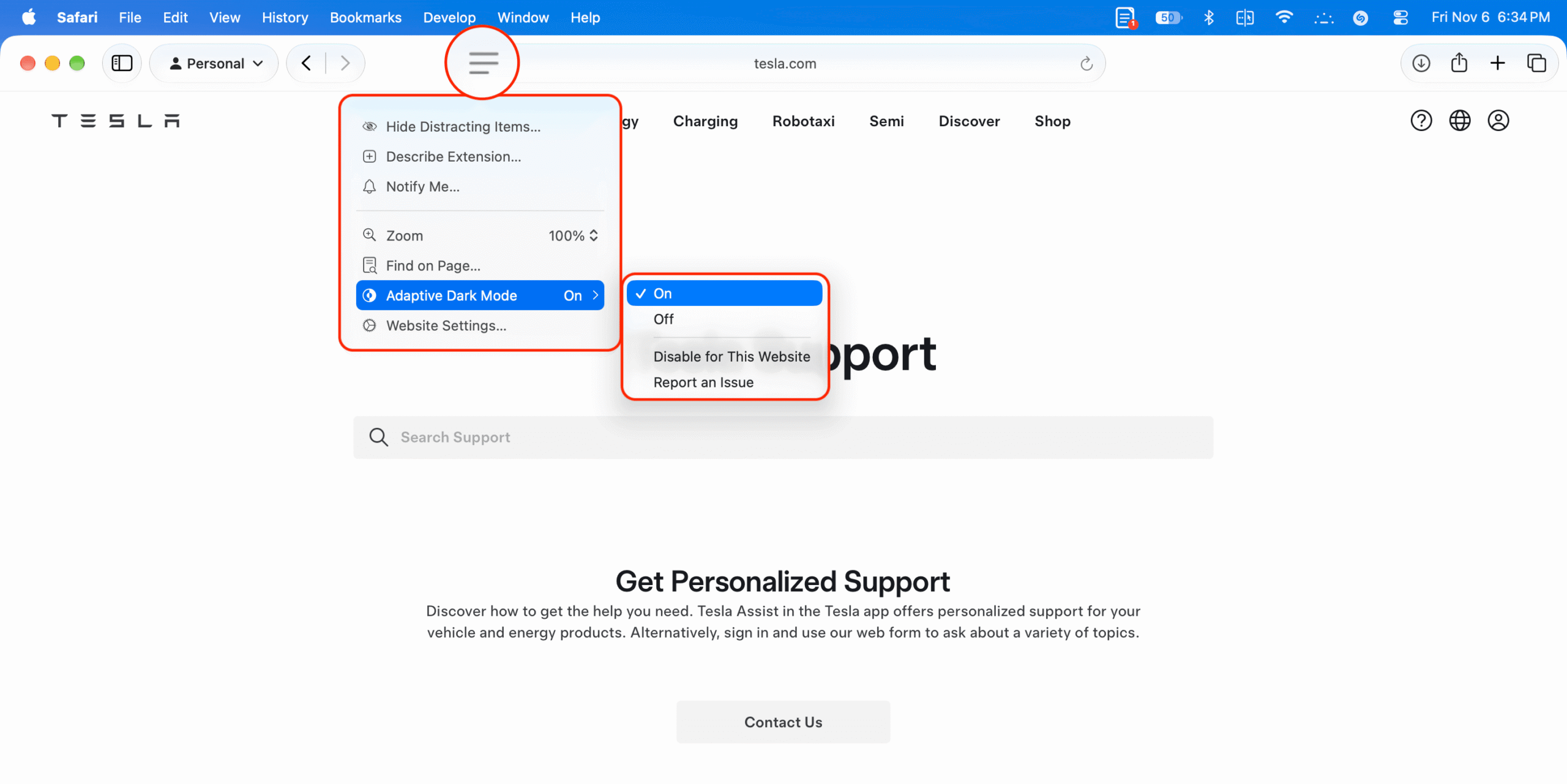
To try it on an iPhone or iPad running the beta, open a website in Safari, tap the three-line menu in the address bar and select Adaptive Dark Mode. On first use, tap Try on the introduction screen, then tap the blue checkmark on the preview banner. After that, the same menu offers On and Off controls. On a Mac, Safari Settings → Websites → Adaptive Dark Mode provides controls for open sites or all sites.
According to Apple and MacRumors, the feature can adjust a page’s background, text contrast, graphics, vector artwork and shadows. The adjustments vary by website.
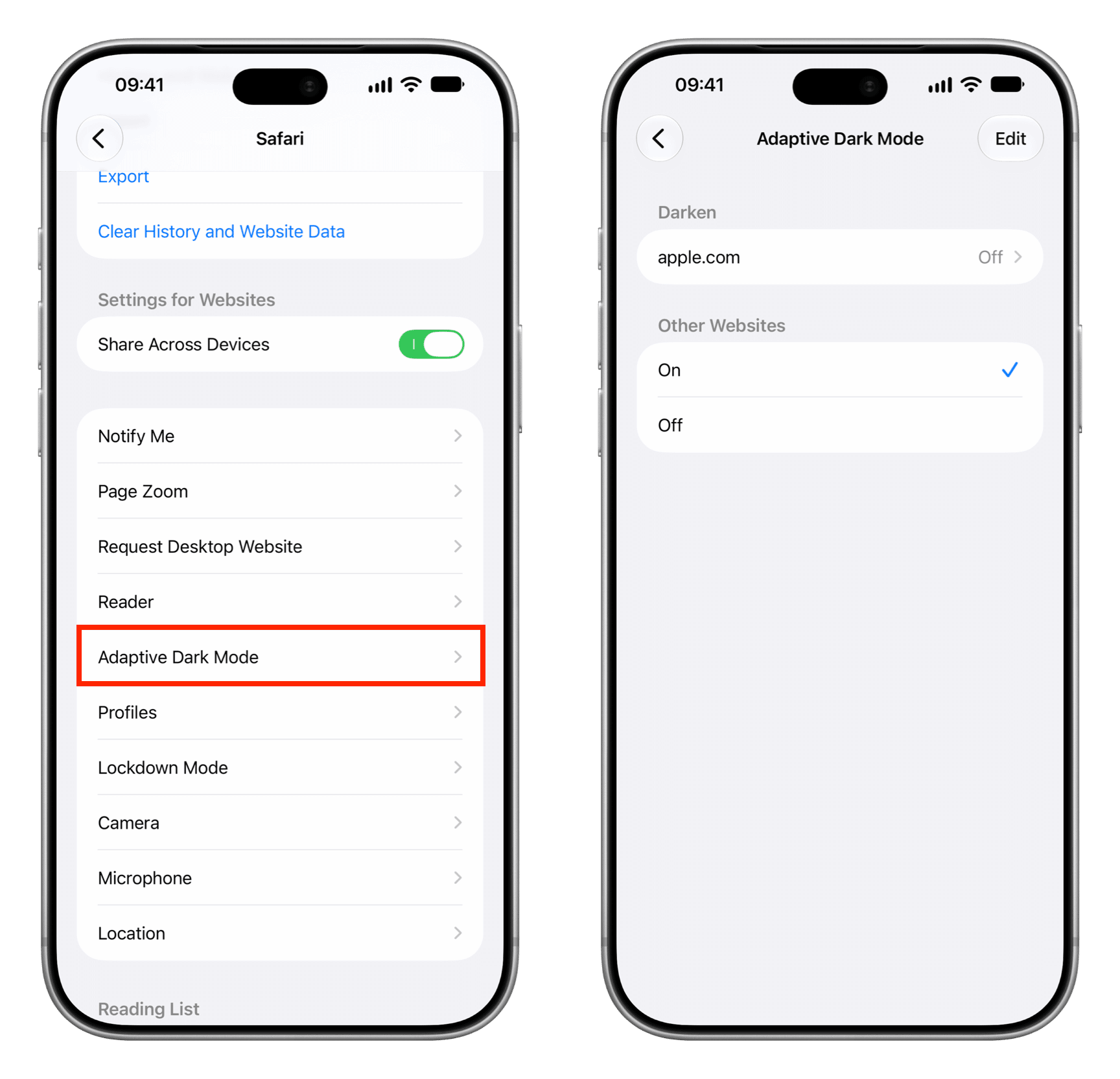
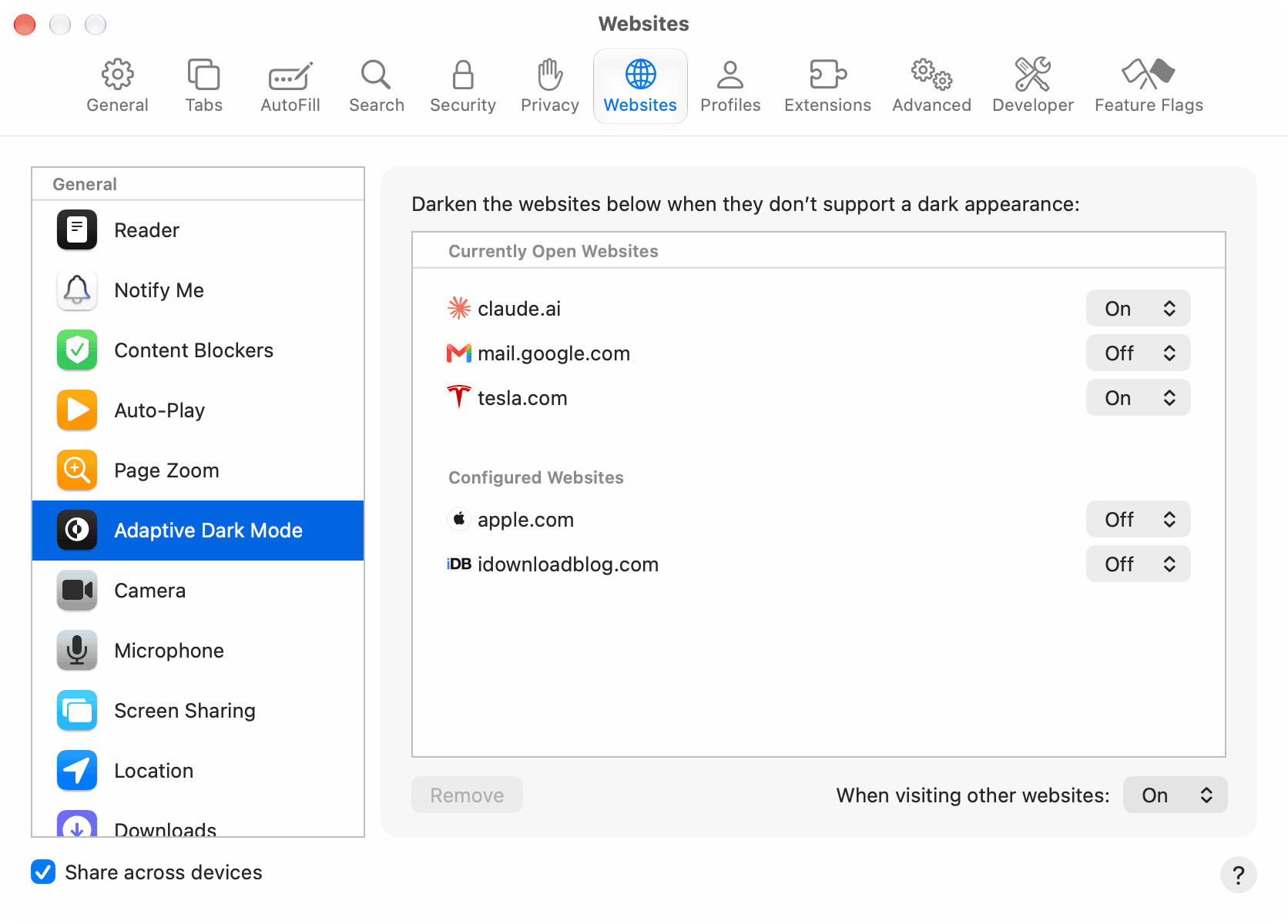
The original report’s author found the iOS 27.3 beta feature inconsistent: it did not work on iDownloadBlog’s site, worked once on tesla.com and then stopped working there, and appeared not to work on several other pages. Safari could still display “Adaptive Dark Mode On” without visibly changing a page. Those observations describe the author’s beta testing, not a confirmed limitation of the eventual release.