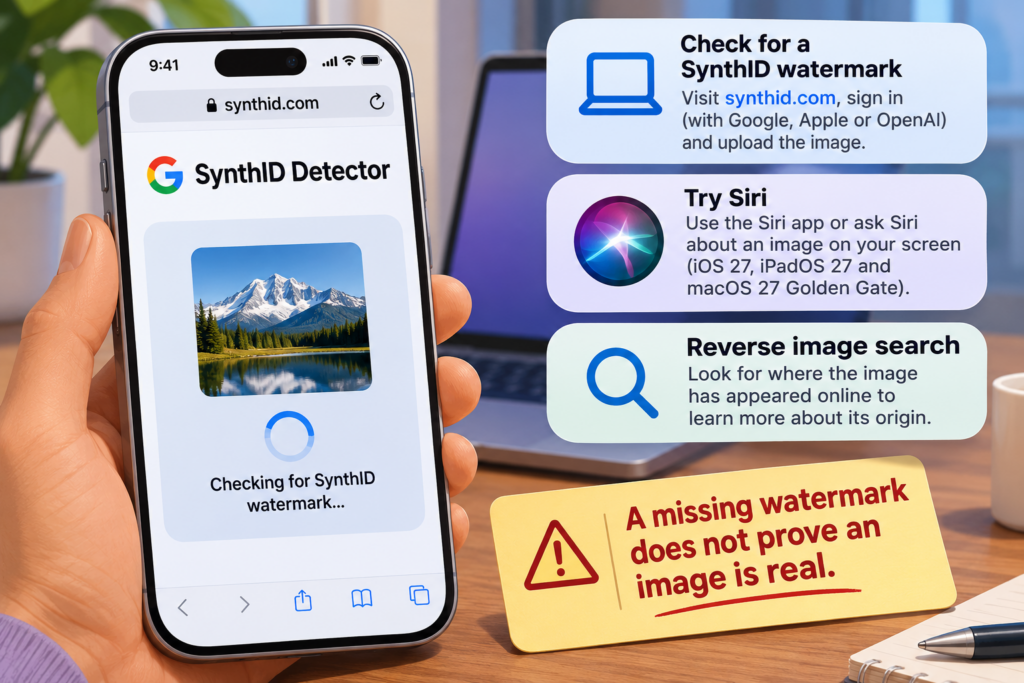
A tutorial published on November 11, 2026, describes ways to check whether an image was generated or edited with AI. Its most important caveat: a missing watermark does not prove an image is real.
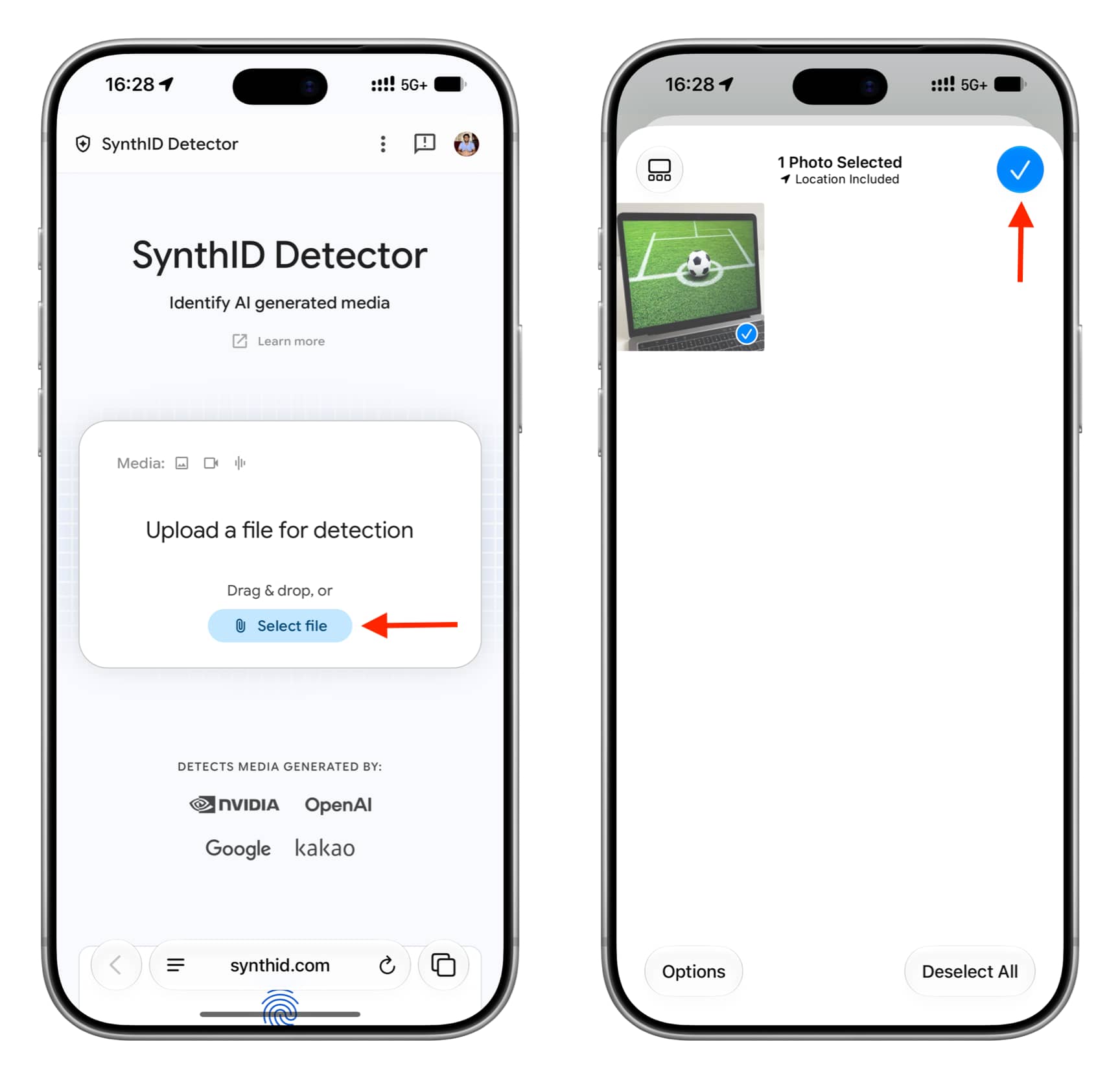
Check for a SynthID watermark
On a phone or computer, visit synthid.com, accept the terms if you agree, and sign in with a Google, Apple or OpenAI account. The tutorial says sign-in and access to basic account details, such as your name, were required at the time it was written. Select a file and upload the image you want to check.

If the detector finds a watermark, it reports that the media was made or edited with AI from a SynthID partner. In the author’s test, it detected an image made with Apple’s Image Playground on an iPhone running iOS 27.3 beta. The result may also name the company associated with the image.
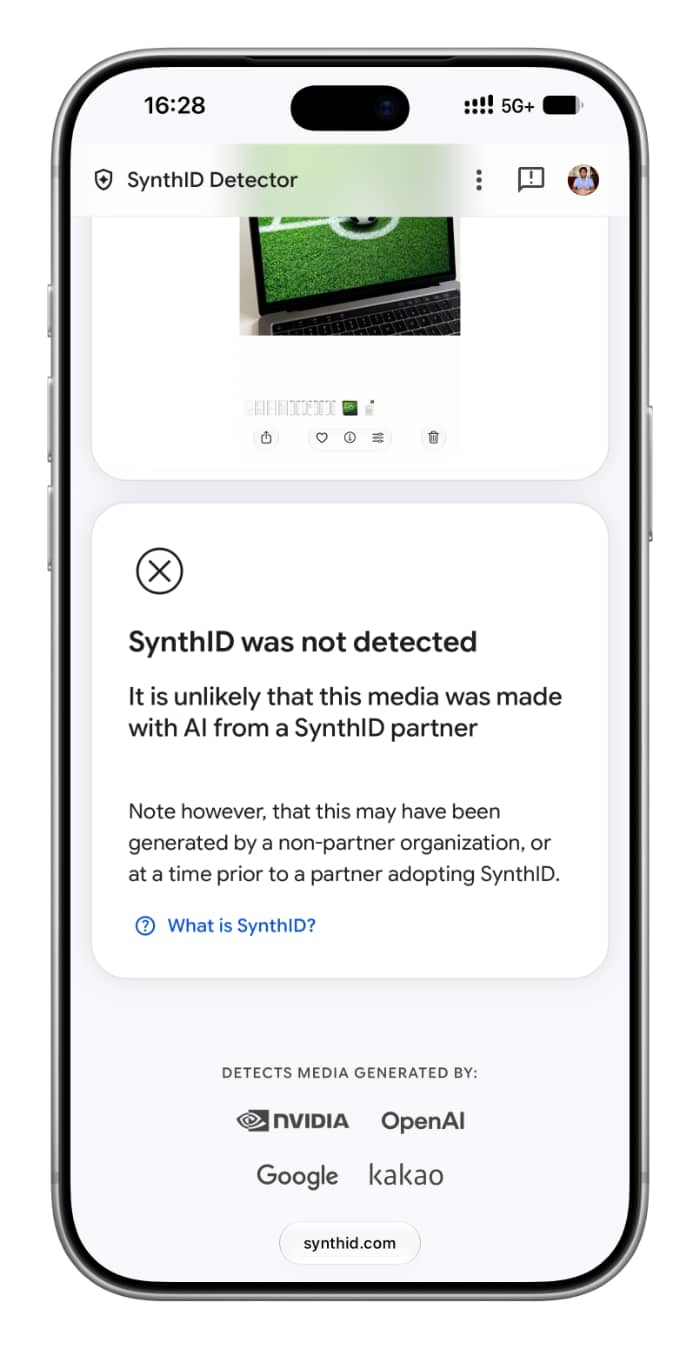
A “SynthID was not detected” result is narrower than a finding that the image is authentic. The image may have been made or edited with a tool that does not use SynthID. The tutorial lists Apple, OpenAI, Google, Nvidia and Kakao among companies whose tools use the watermark.
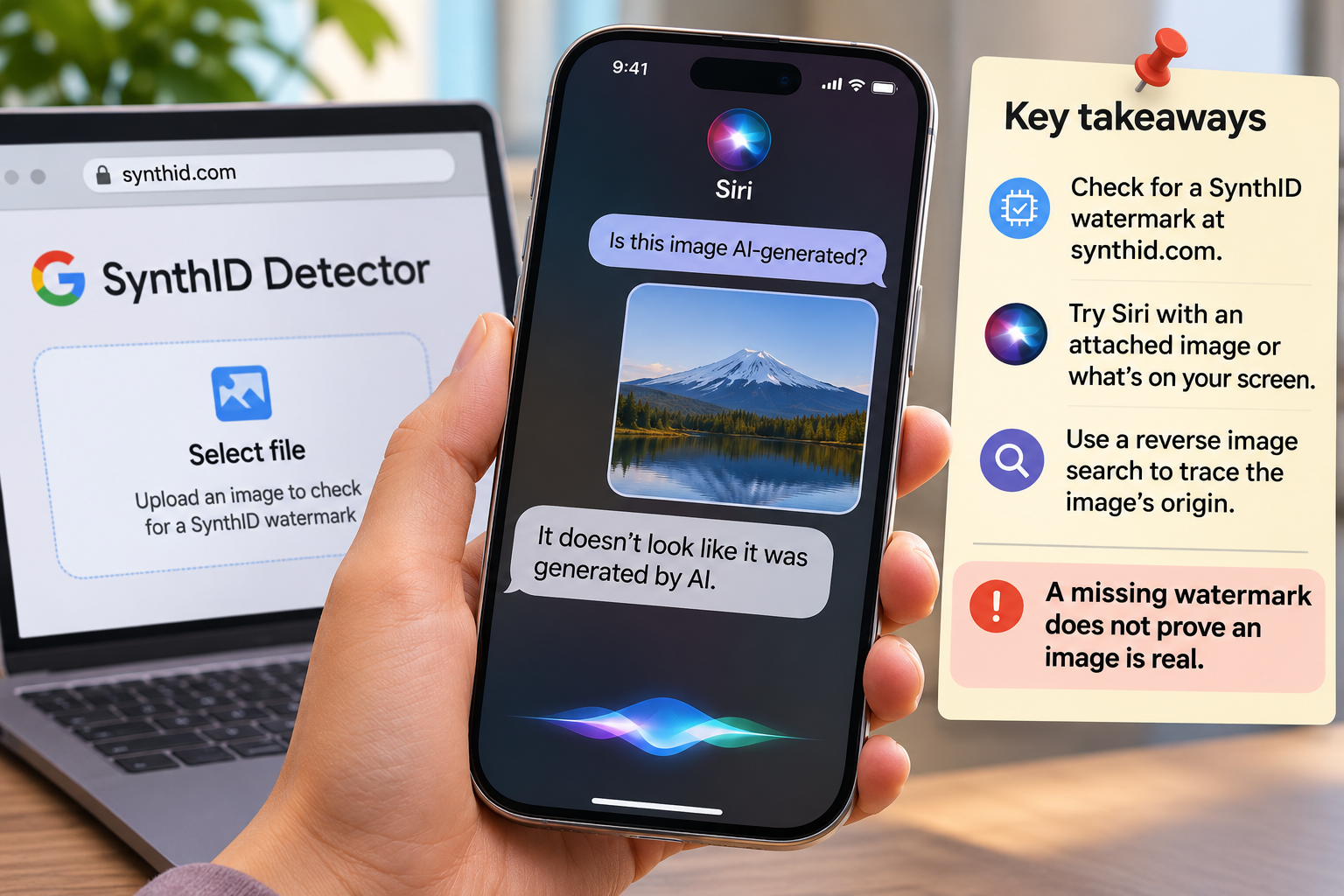
Try Siri or trace the image’s origin
The tutorial says the dedicated Siri app in iOS 27, iPadOS 27 and macOS 27 Golden Gate can assess an attached image. It also suggests opening an image on an iPhone running iOS 27 and asking Siri about what is on screen. Treat either response as a clue, not a verdict: in the author’s test, the Siri app incorrectly said a ChatGPT-generated image was not AI-generated.
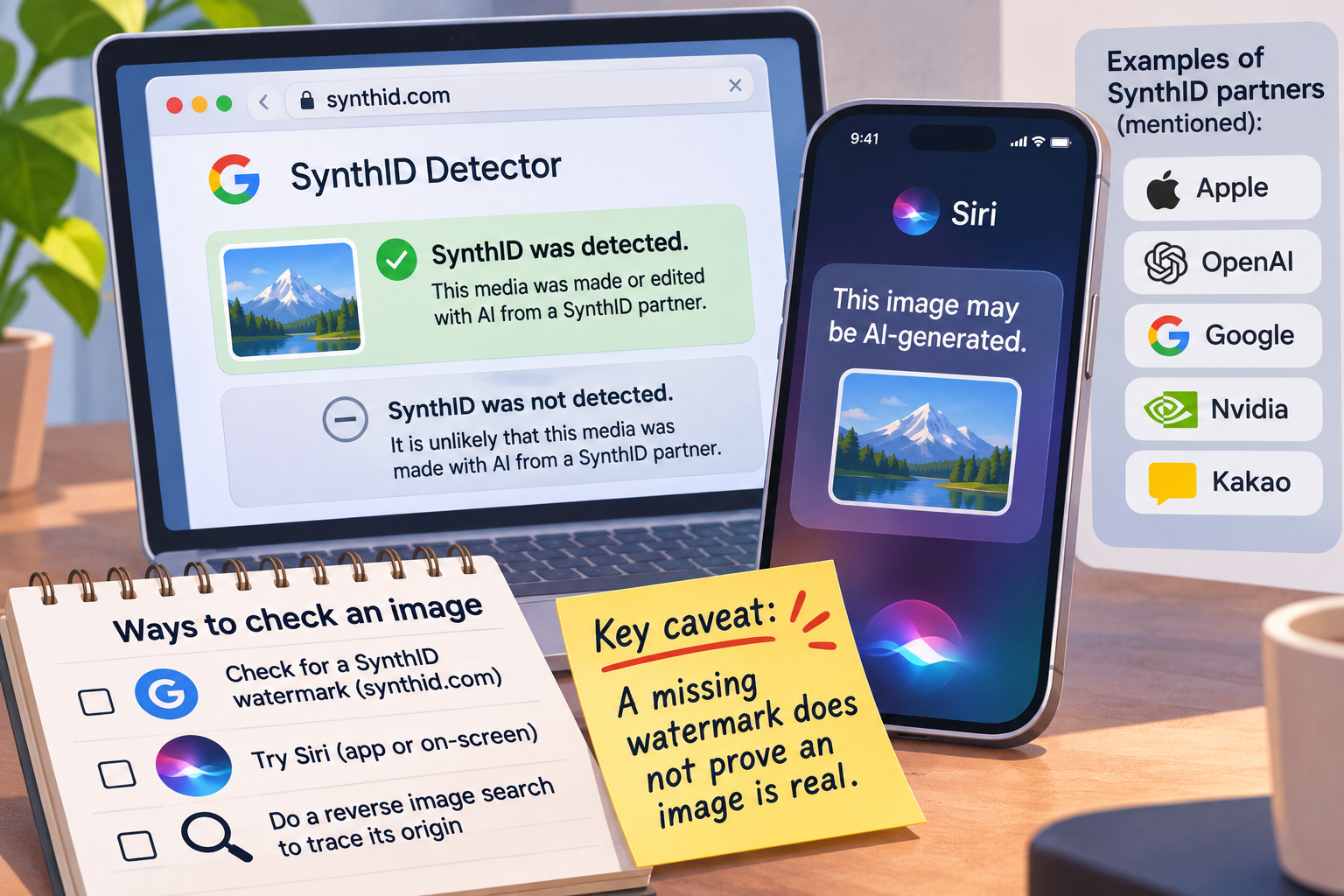
A reverse image search can help trace where an image appeared and provide context about its origin. Neither that search nor a negative watermark check, on its own, establishes that a photo is genuine.