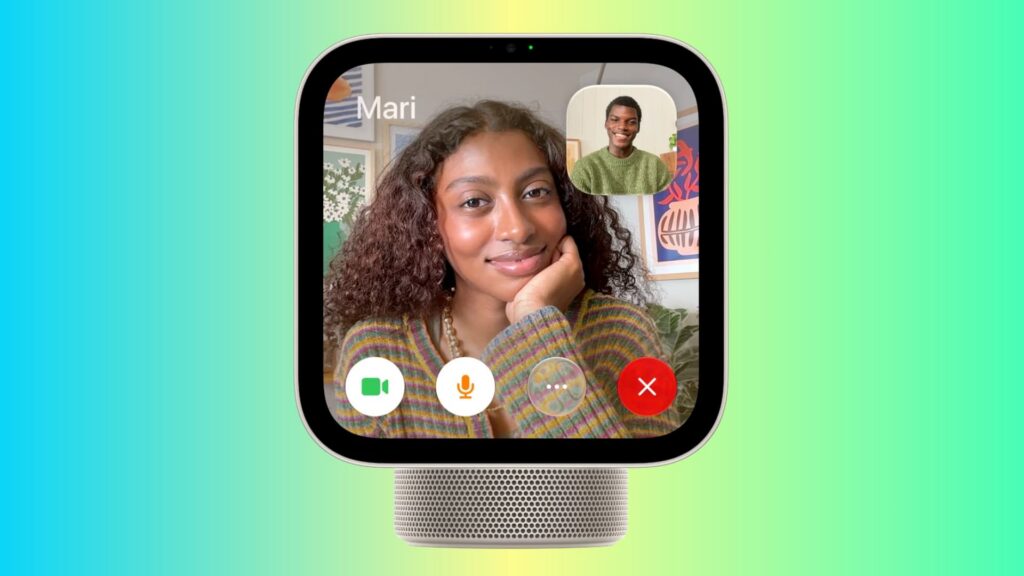
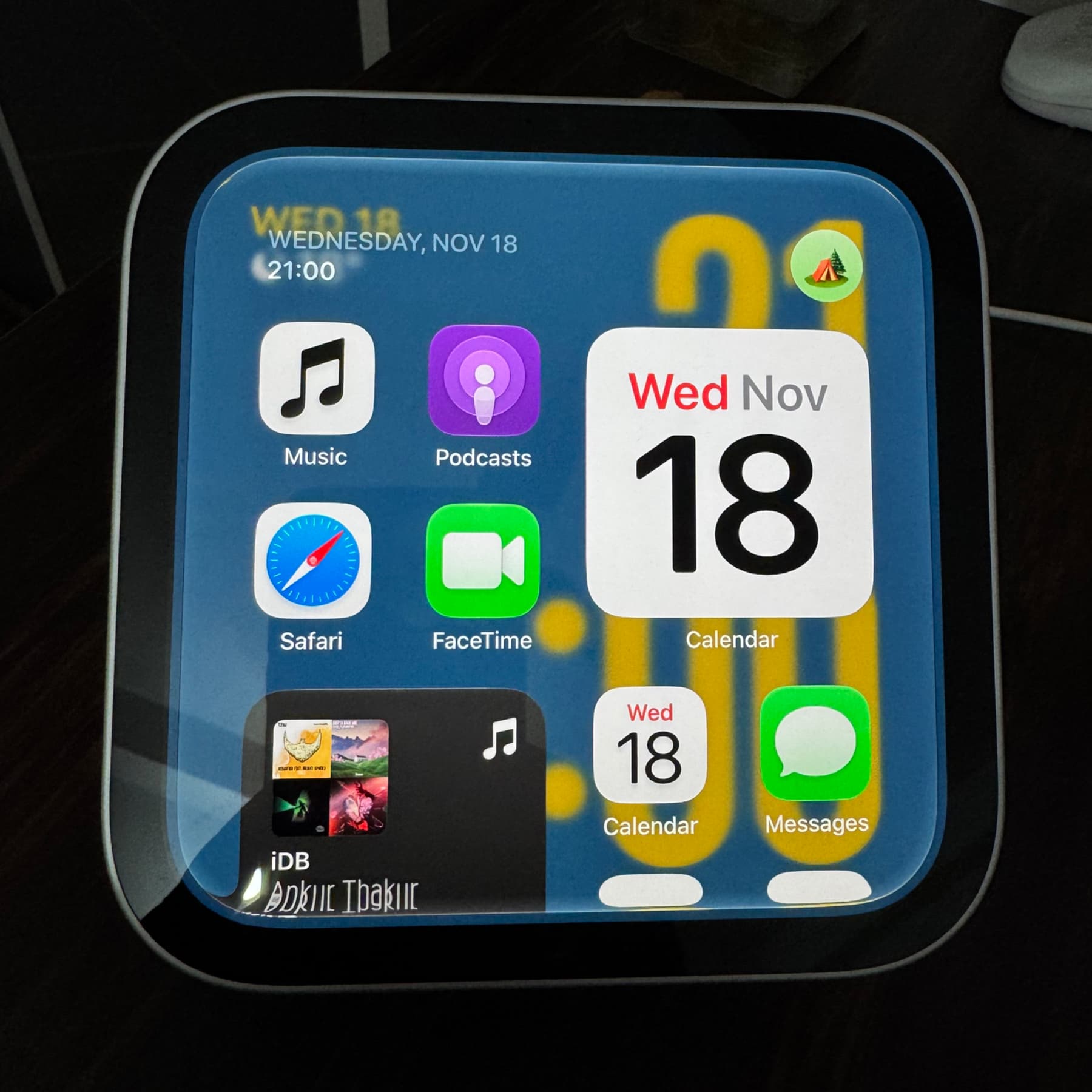
In a November 18, 2026 report, iDownloadBlog described how to place FaceTime and regular phone calls from Apple HomeView. FaceTime is preinstalled, but HomeView has no App Store for installing third-party calling apps. Regular phone calls use the paired iPhone’s cellular connection.
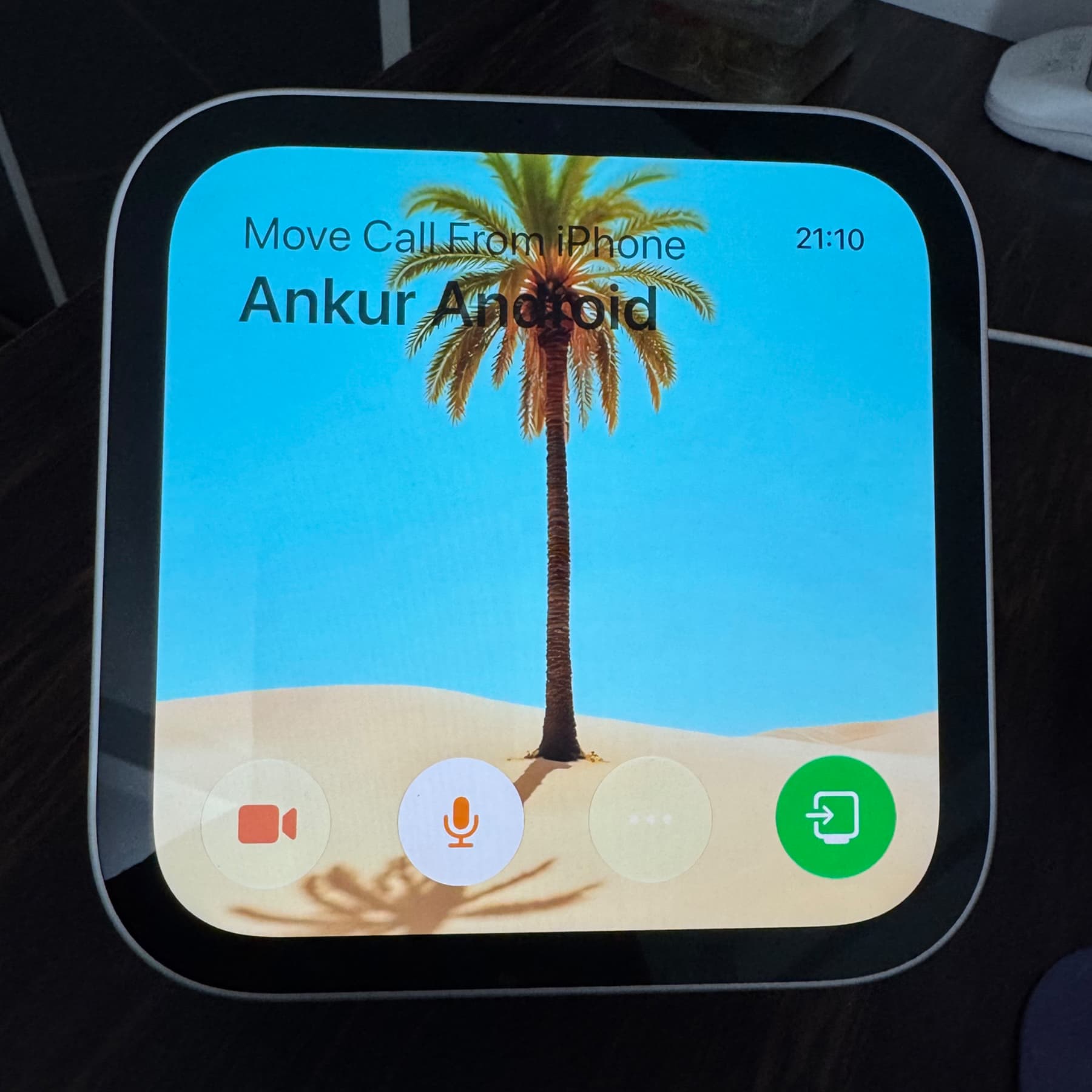
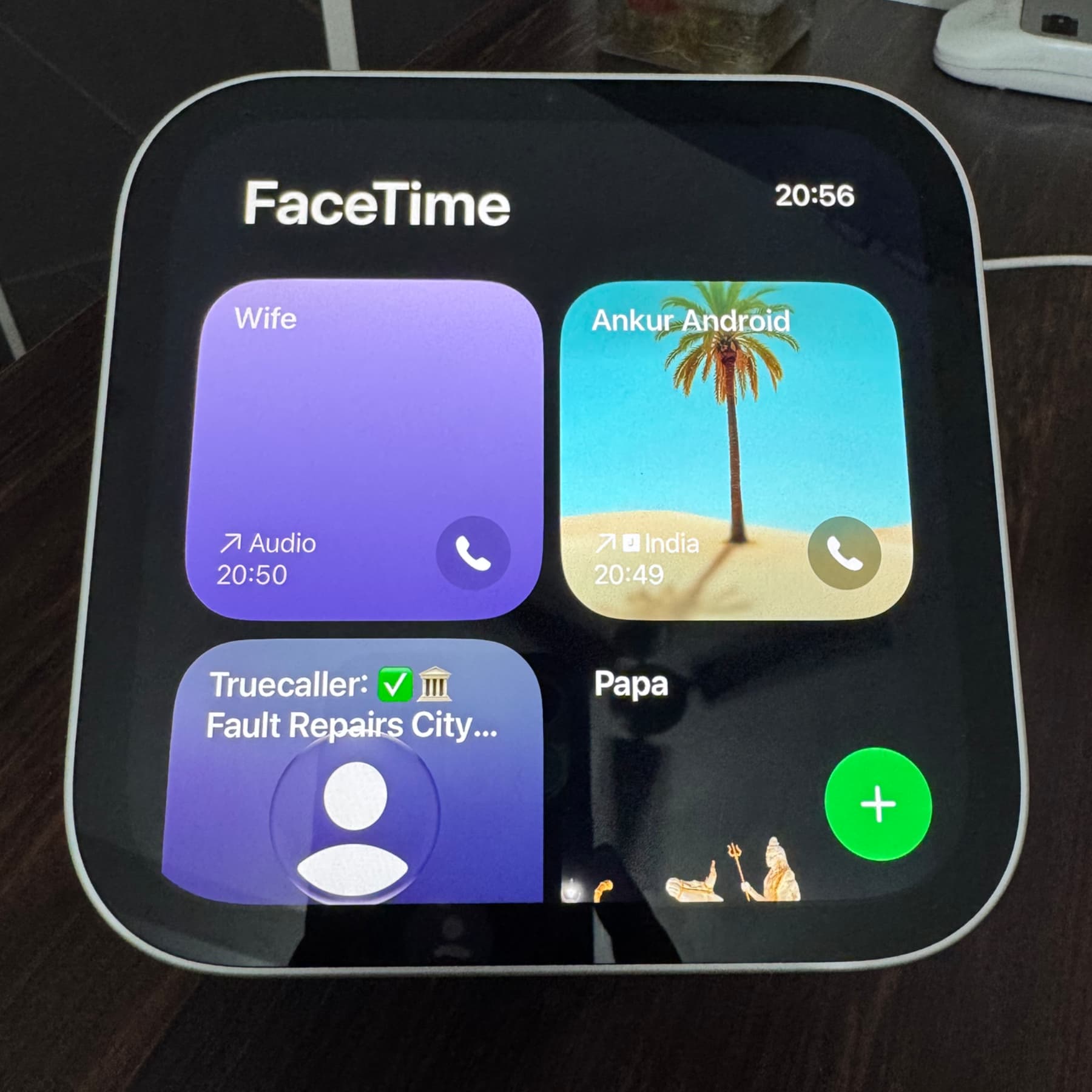
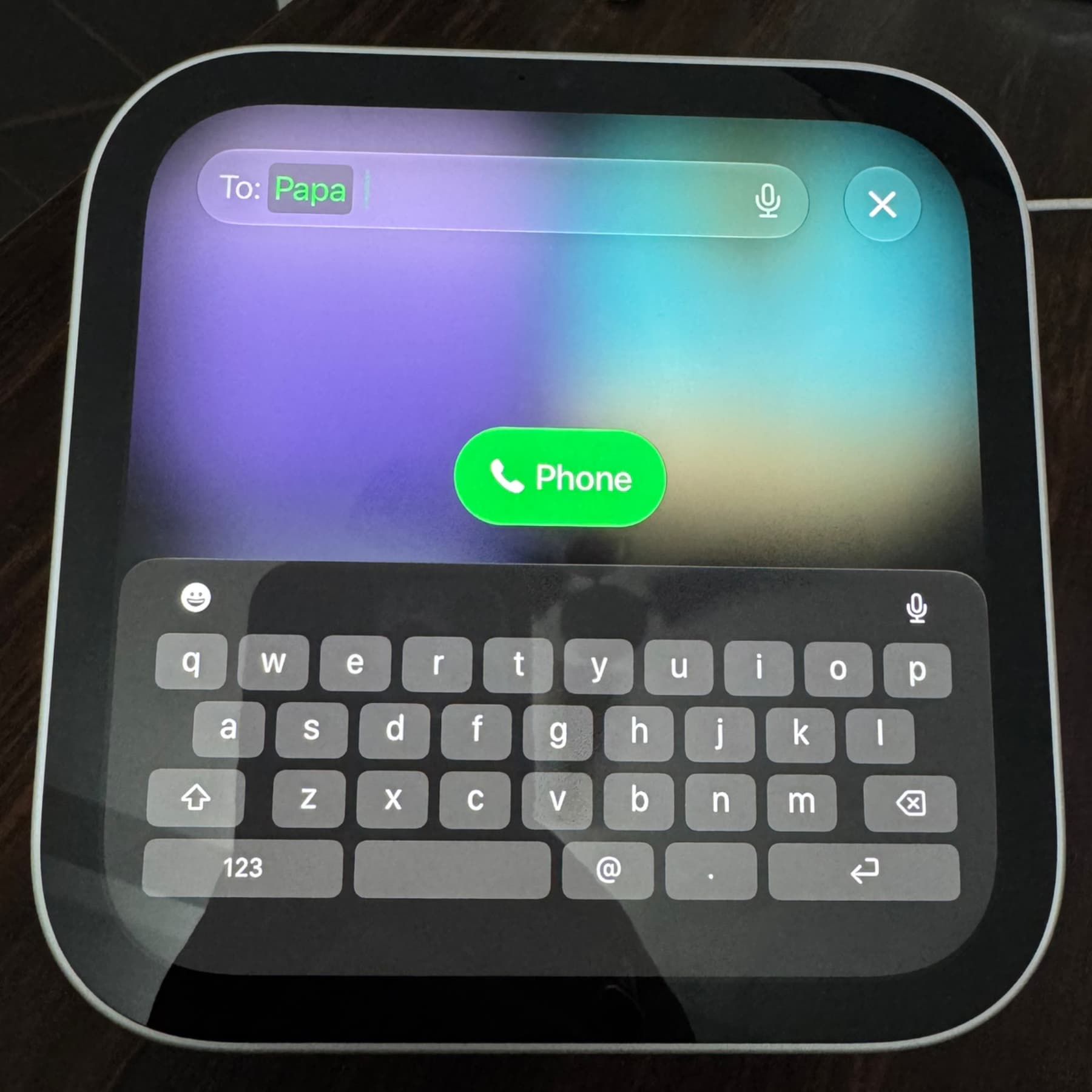
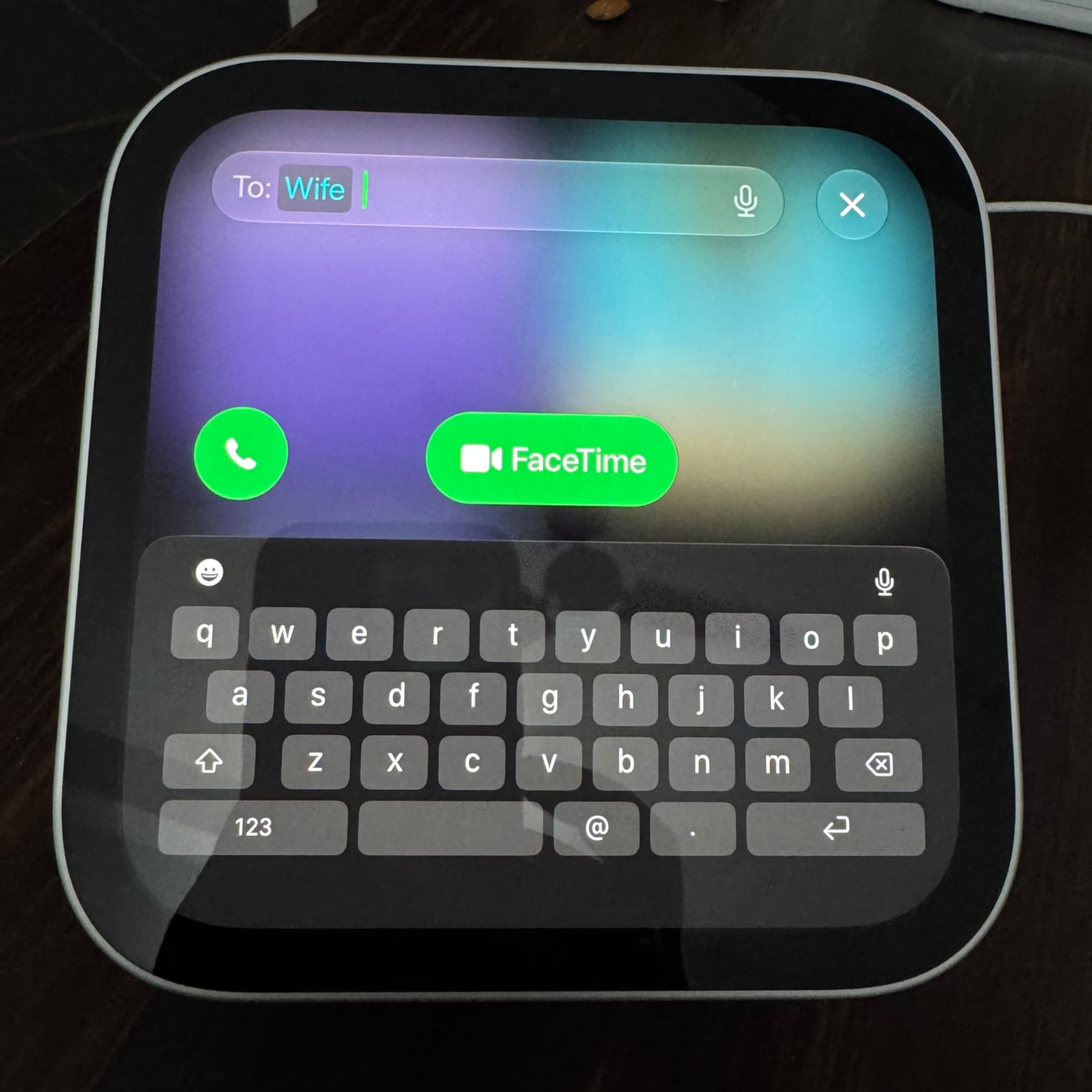
To use calling, set up HomeView with your iPhone under the same Apple Account and enable Personal Content. The iPhone must be on the same Wi-Fi network as HomeView, with Bluetooth turned on. In HomeView’s FaceTime app, you can call a recent entry, search for a contact using the plus button, or enter a phone number—including one that is not in your contacts. The app also offers FaceTime video and audio calls where available. Alternatively, you can ask Siri to call someone or hold an iPhone near HomeView during an active call and tap the green transfer button.
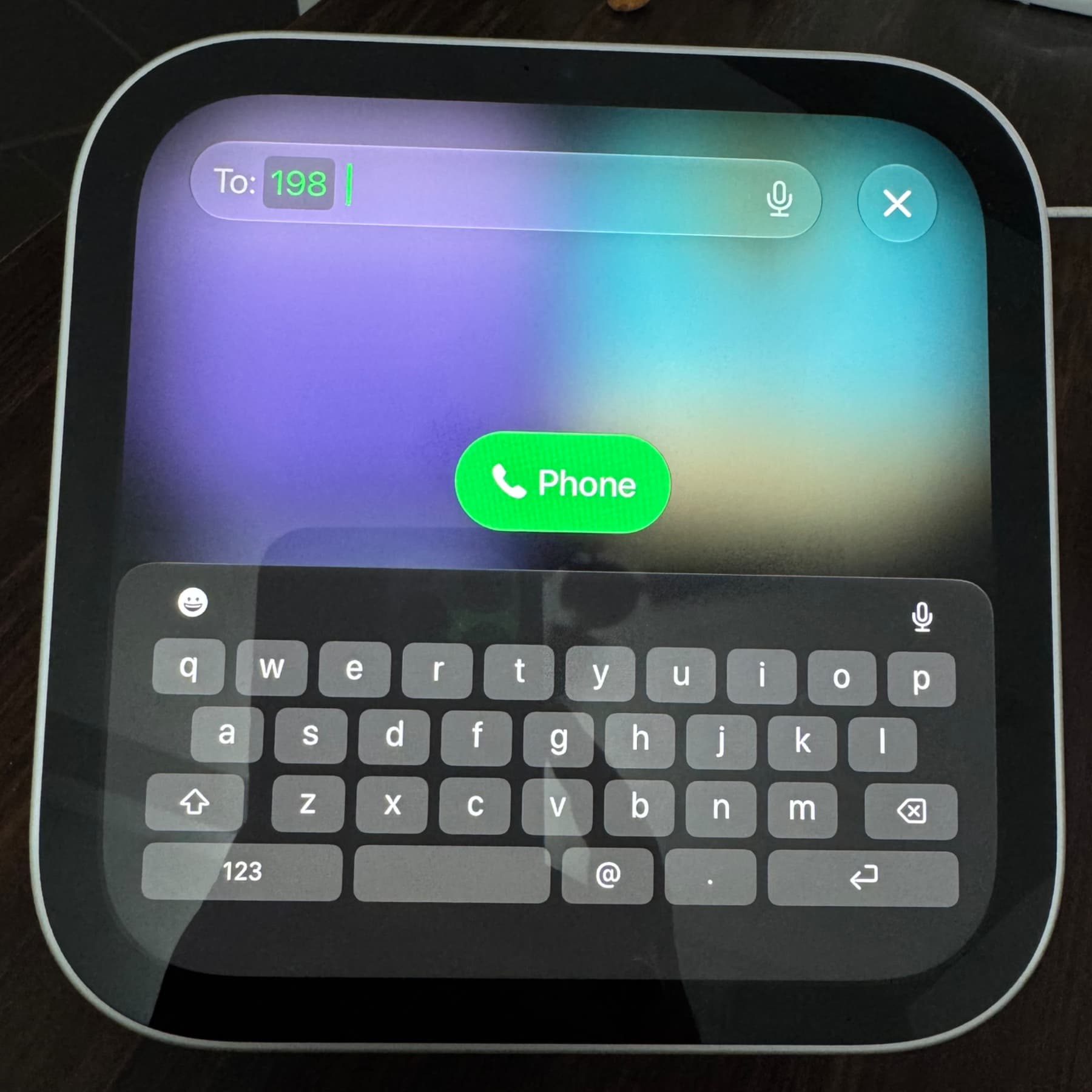
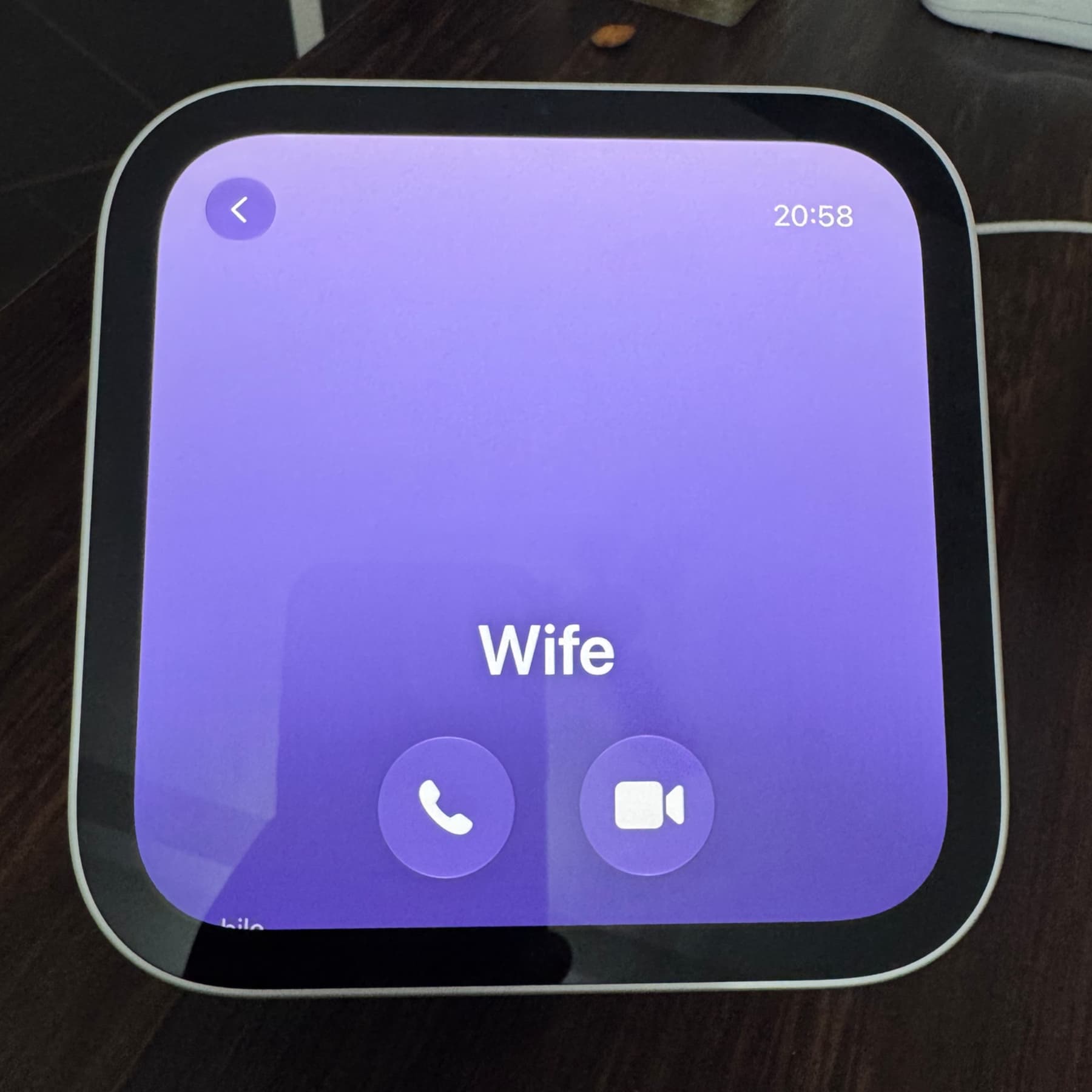
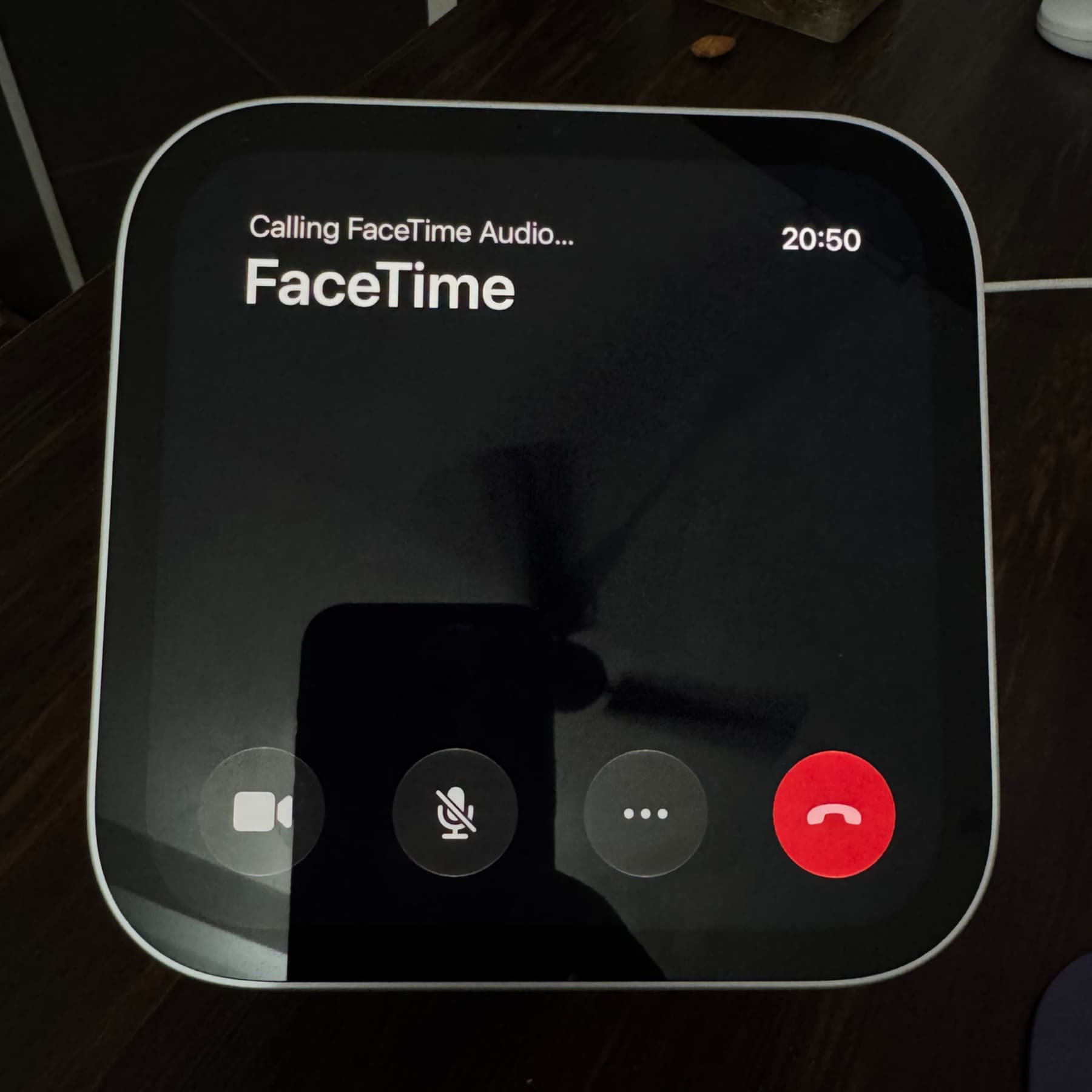
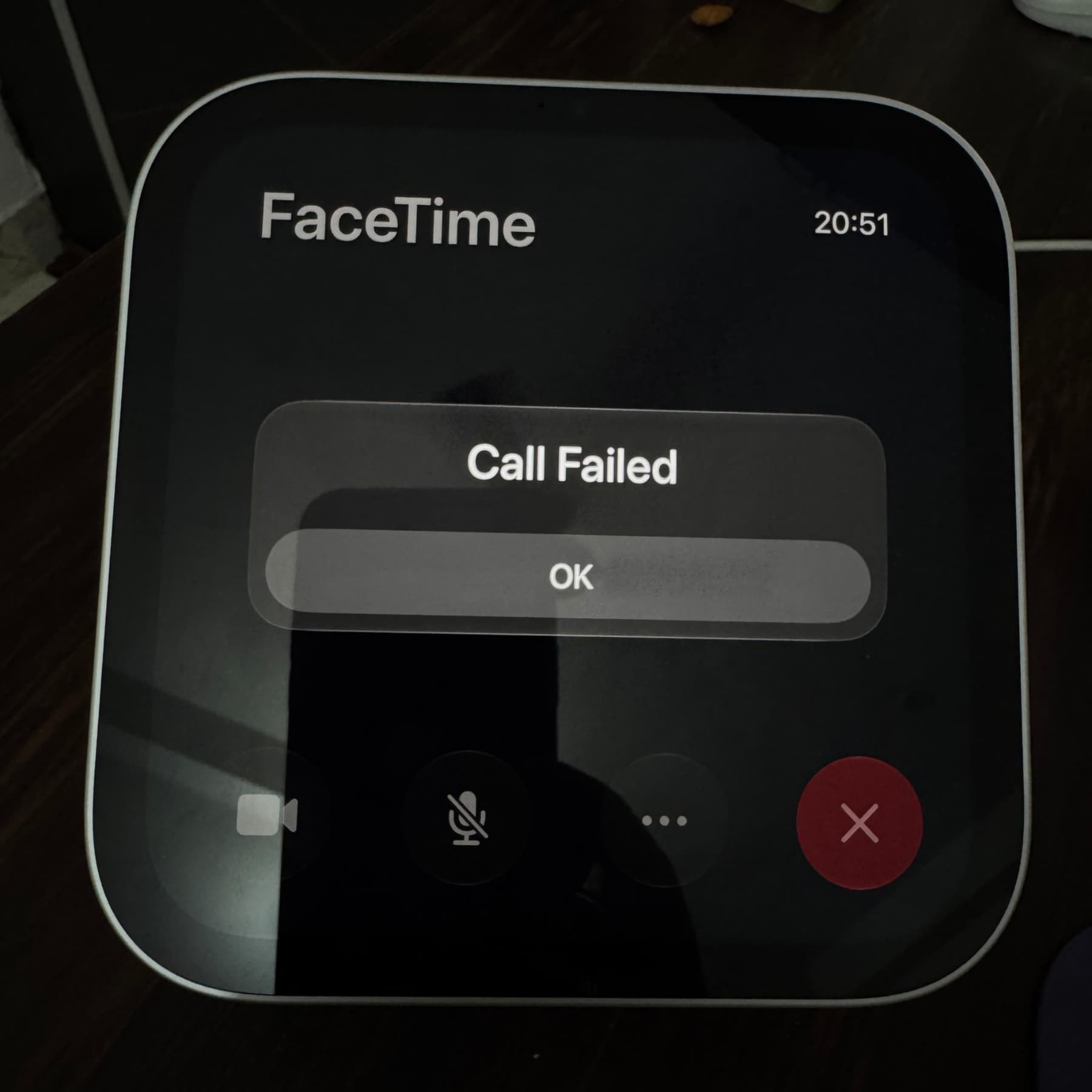
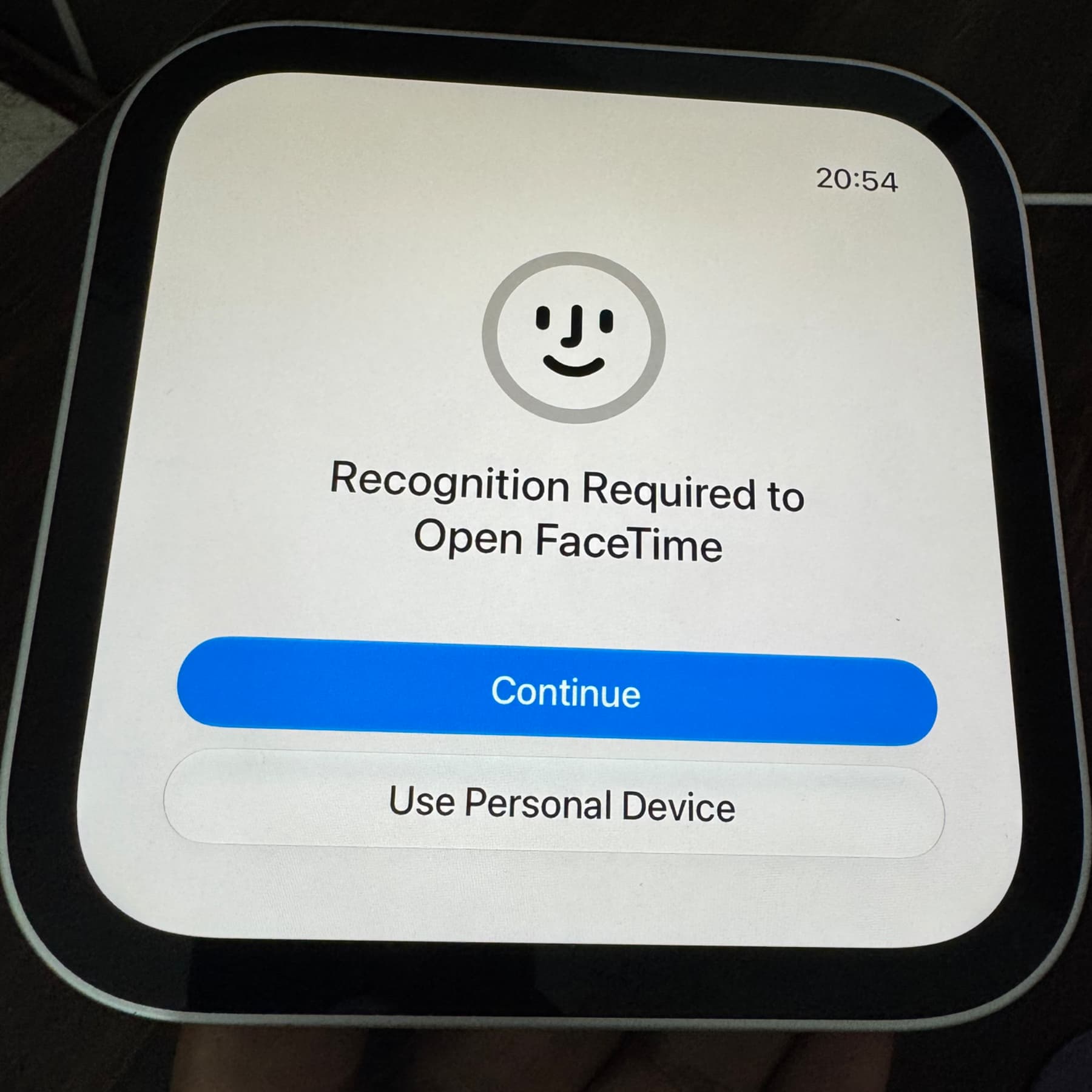
The report’s author encountered several limitations during five days of use. Some recent iPhone calls did not appear on HomeView. For contacts with FaceTime, tapping the phone icon appeared to start a FaceTime audio call rather than a regular cellular call. The author also reported delayed syncing when deleting recent calls on the iPhone, an initially unresponsive hang-up button on some FaceTime audio calls, failed or dropped calls, and a possible request for renewed recognition after leaving the HomeView frame. These are observations from that test, not a confirmed account of how every device behaves.