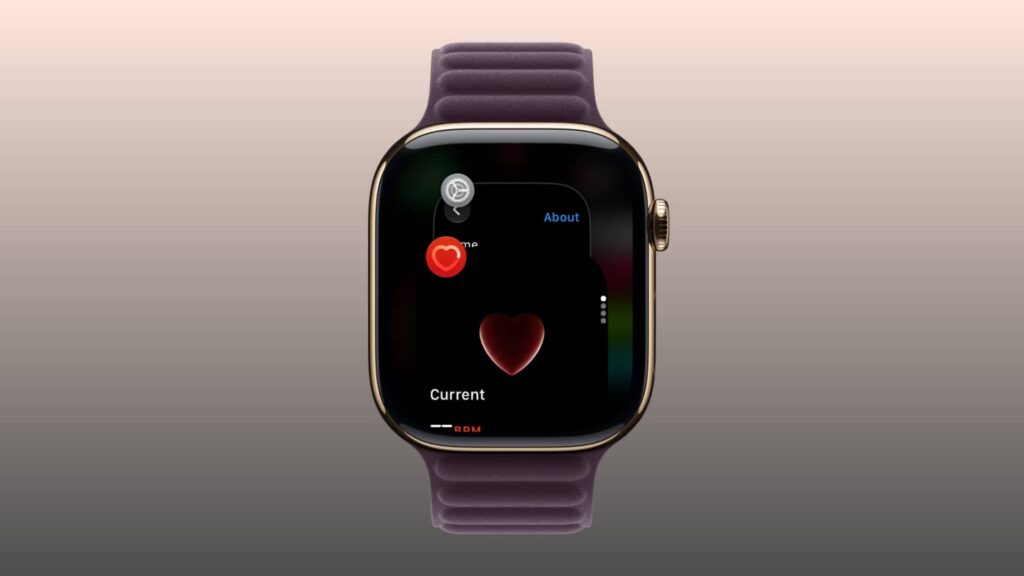
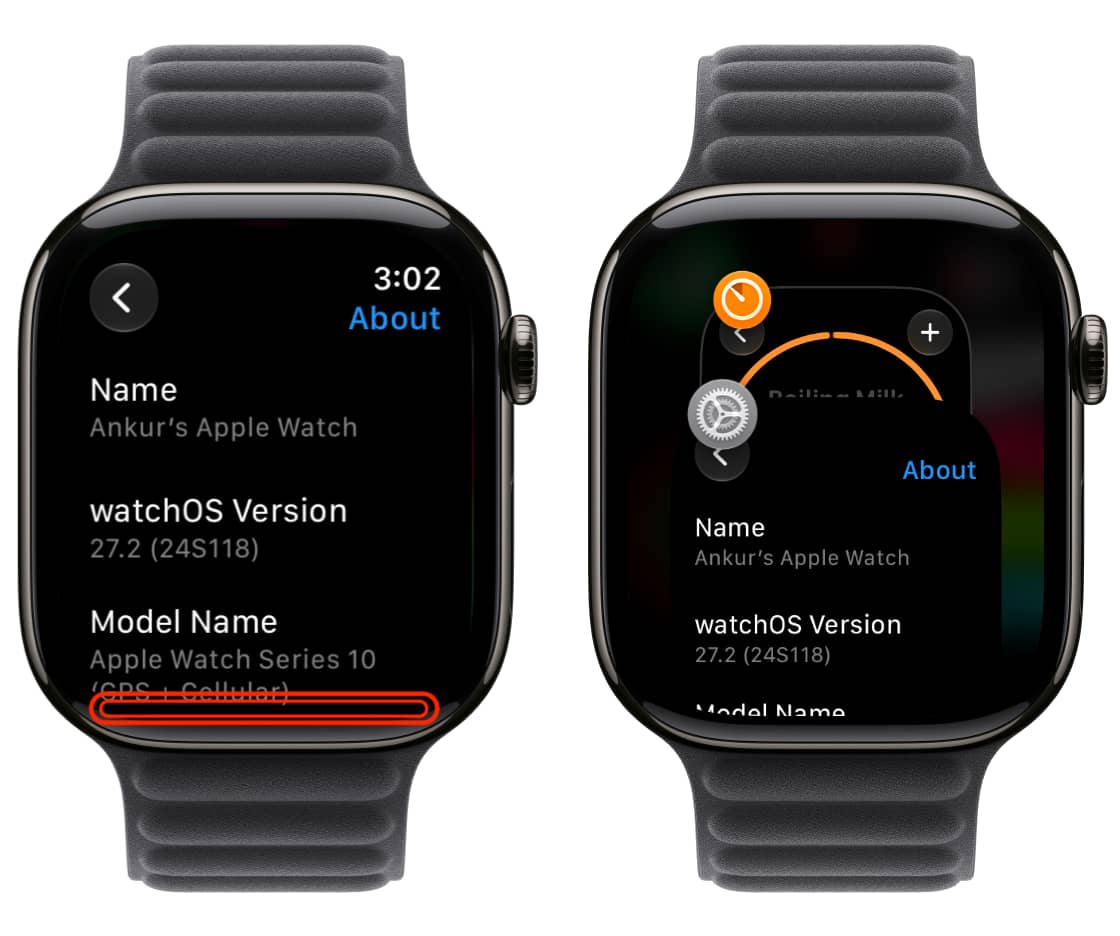
A guide published in November 2026 describes a new way to open the App Switcher on Apple Watch. In watchOS 27.2 or later, open an app, then touch and hold the bottom of the screen until you feel a soft vibration. This works from inside an app—not from the watch face or Home Screen.
Swipe up or down to browse recently used apps. To quit one, swipe left on its card and tap the red X. If you pause on a card for a couple of seconds, watchOS opens that app full-screen.
Before watchOS 27, double-pressing the Digital Crown opened the App Switcher. The guide says Apple reassigned that gesture to Live Rewind on the Series 12 and Ultra 4; on older models running watchOS 27, a double-press does nothing. At the time of the guide, Live Rewind was available in the watchOS 27.3 beta.
The older power-off-screen method of force-closing an app still works. There is no need to quit every recent app to save battery; doing so can reduce battery life.