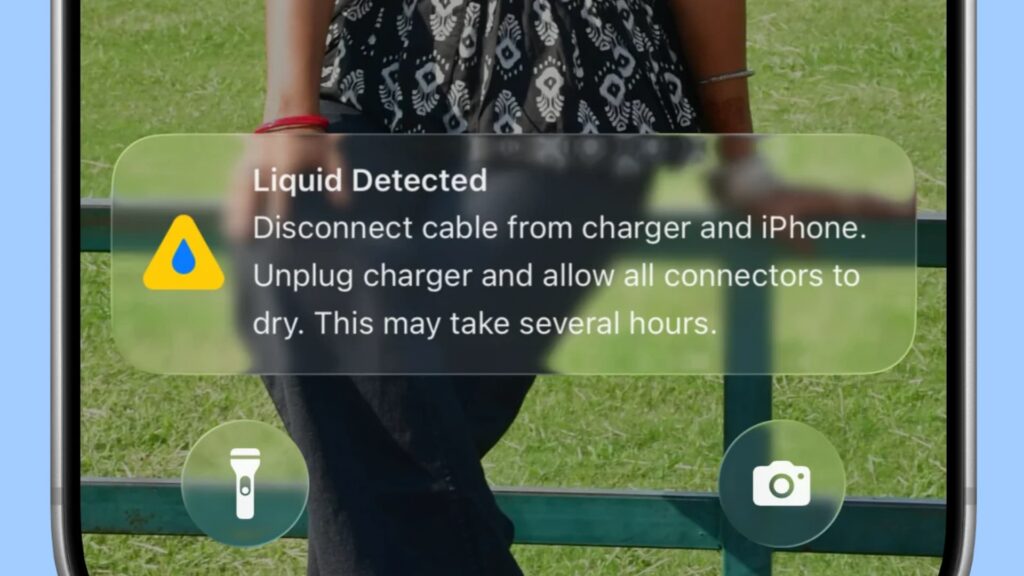
An October 2026 troubleshooting guide explains what to do when an iPhone blocks wired charging and displays a “Liquid Detected” warning. The alert is a protective measure: when the phone detects liquid in its charging connector, it can stop charging or connecting to an accessory.
Disconnect the cable and let the port dry. The guide recommends wiping the phone with a dry cloth, holding it with the charging port facing down and gently tapping it against your palm. Leave it in an airy place for at least 30 minutes before trying the cable again. If the warning returns, disconnect it and allow several more hours for the port to dry. The guide also recommends powering the phone off while you wait.
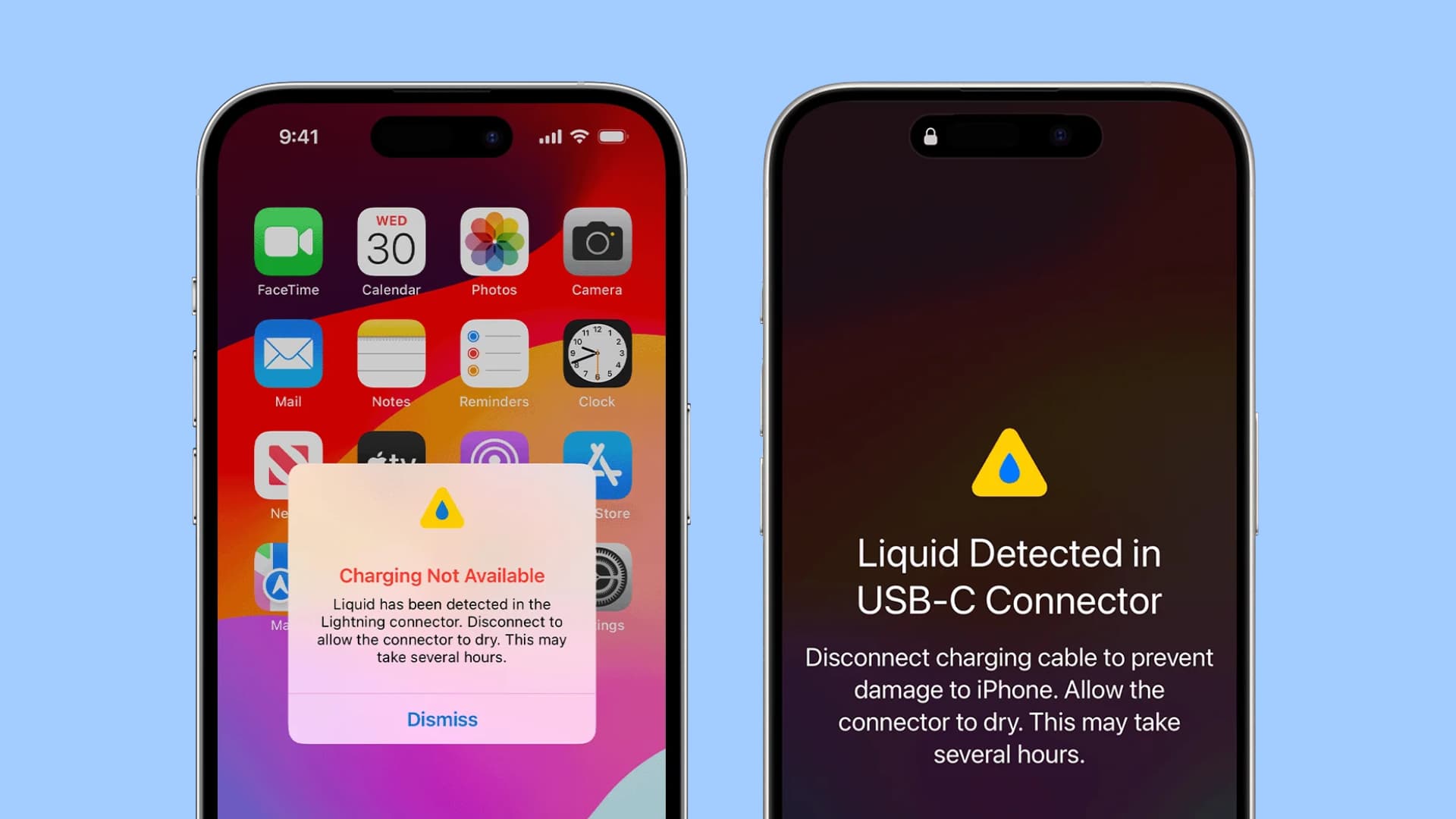
Do not put objects such as cotton swabs into the port. The guide says Apple advises against external heat and compressed air; it also warns against putting the phone in rice, because particles could enter its openings.
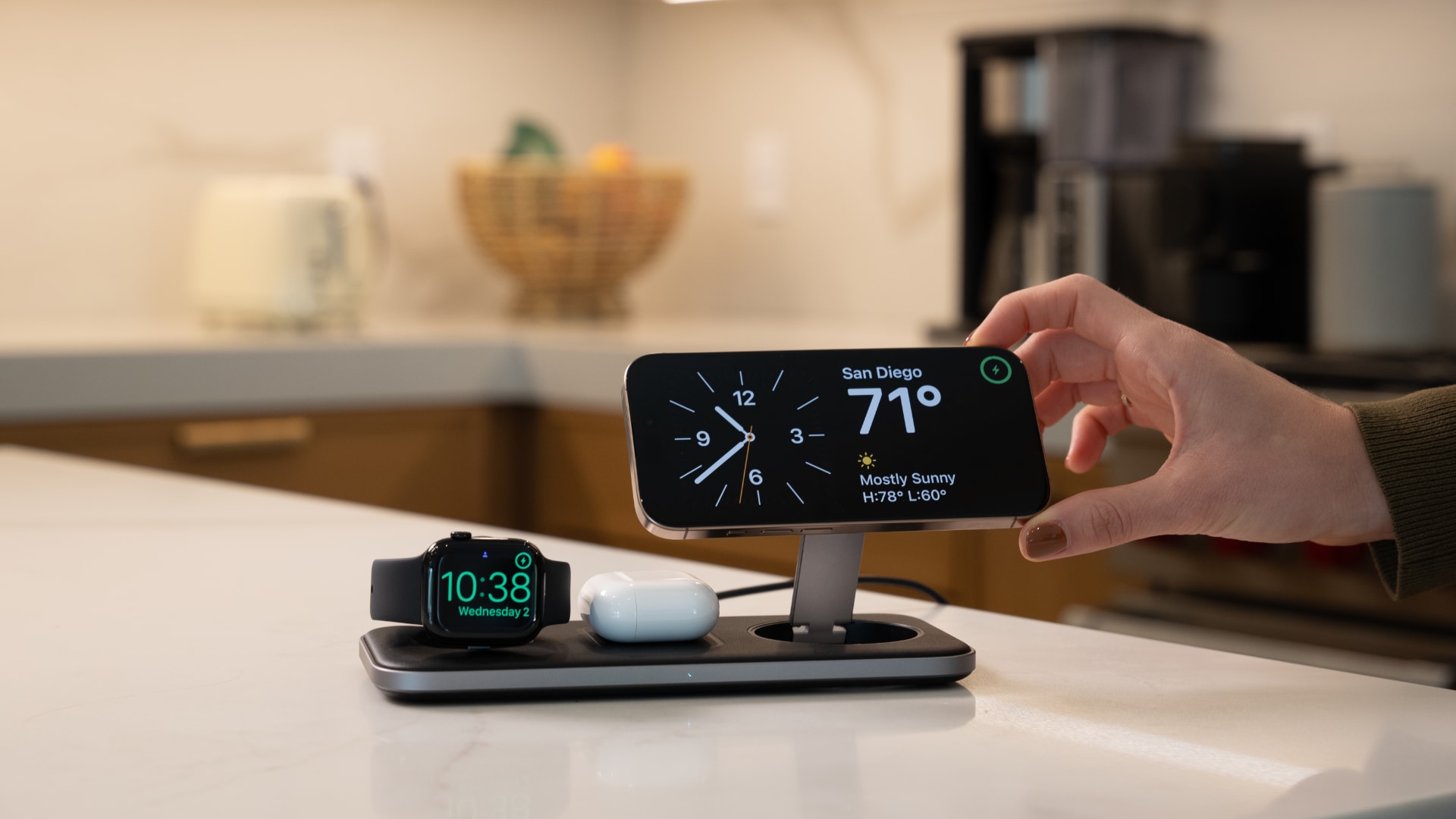
If charging cannot wait, wireless charging is an option after drying the back of the iPhone. The guide says Apple also provides a way to override liquid detection for wired charging in an emergency, but doing so while the connector is wet risks damage. Waiting until the alert no longer appears is the safer course.
The author describes a separate incident involving seawater and an iPhone 16: an Apple-authorized shop advised replacing the charging port because of possible corrosion, but charging resumed after the phone dried. That outcome does not rule out later damage from saltwater or other liquids.